Choose three pictures that tell the story
Start with the people, not a long list of poses. Pick one picture of the guest of honor, one of the people closest to them and one that shows the atmosphere. Treat these as your priorities; everything else is a bonus. A small list lets your photographer look for real smiles between planned moments.
Write down who needs to be in each picture and who can gather them. For a birthday, that could be the birthday guest with family, a friends group and a wide view of the decorated room. For an anniversary, it may be the couple, their extended family and a table scene. Choose the photographs that matter to you, then discuss how a robot moment could fit.
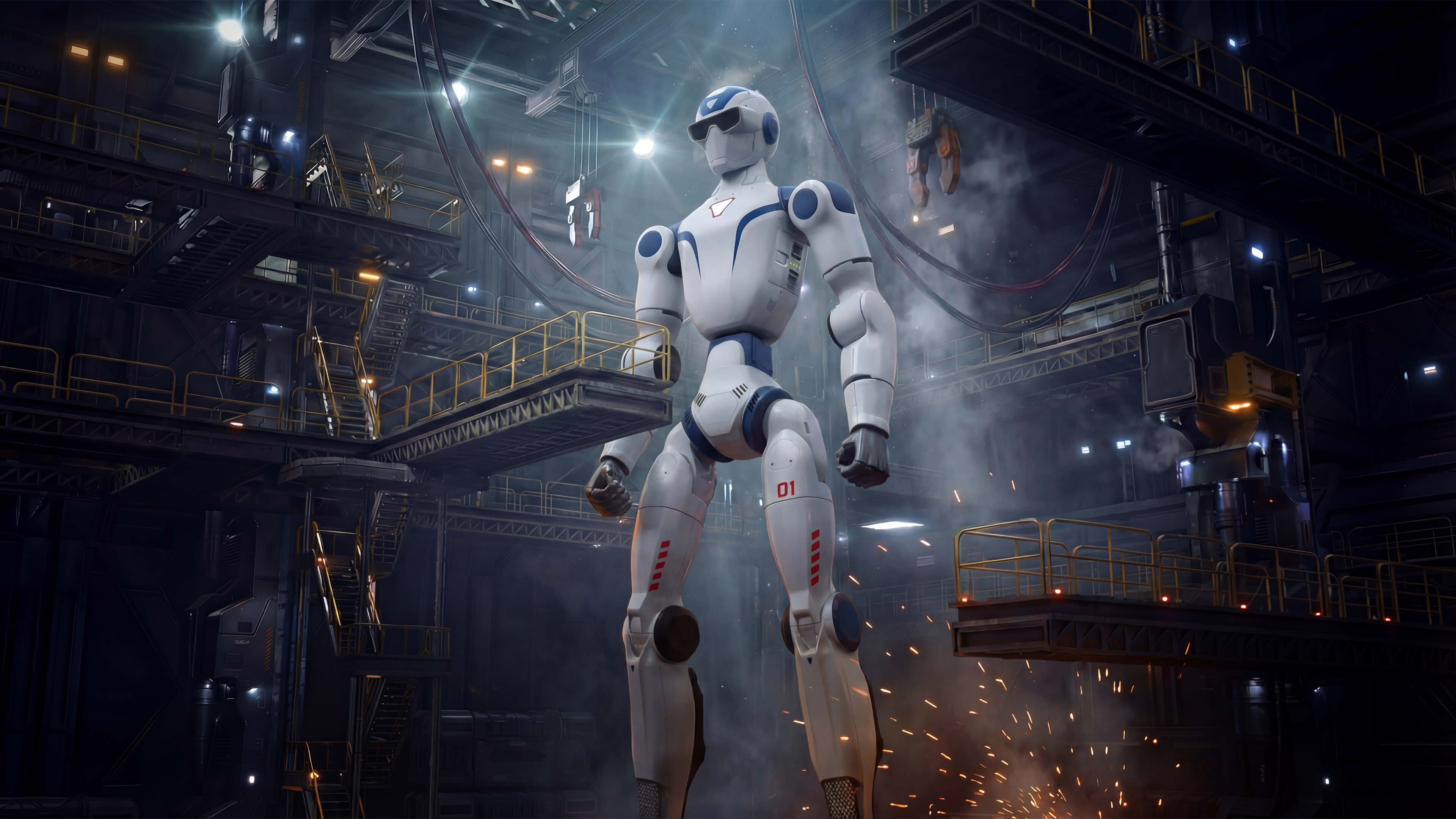
If you would like the R1 EDU included in a picture, send the idea before the event. EZ Robot Rentals has the Unitree R1 EDU; the possible activity, placement, timing and guest arrangements must be confirmed individually. Share your inspiration with Edmund so you can agree on the details before inviting guests.
Draw the movement before choosing the backdrop
Use a simple room sketch. Mark the entrance, seating, food, exits and the proposed photo area. Add arrows showing where people wait and how they return to the party. A beautiful backdrop becomes less useful if it sits across the route to dinner.
Ask the venue and Robot team to agree on the proposed position and any boundaries before you arrange furniture. Keep your photographer’s working space separate from the guest waiting area. Do not place decor, a photo queue or bags in the routes the venue needs to keep clear.
The ADA National Network event-planning guide recommends considering access during planning and identifying routes through the event. Ask your venue how the photo plan works for guests who use mobility aids or prefer a seated view.
Give the photo moment a beginning and an end
Put your three priority pictures in a possible window between existing activities, then ask the team what is workable. Avoid placing every special moment at the same time as hot food, speeches or cake. Agree who can make a timing adjustment if dinner runs late.
Assign one adult host to gather the next group and one point of contact for the photographer. The host can explain where to wait and when the photo window ends. Guests should be able to keep enjoying the party without joining a queue. For a mixed-age gathering, give families a simple option to stay together rather than calling children forward on their own.
- Priority picture: who is in it, who gathers them and the proposed time.
- Guest route: where the group waits, where the picture happens and where they go next.
- Decision contact: the adult organizer who can agree an adjustment with the venue and suppliers.
Make photography comfortable for your guests
Tell guests in advance if you plan organized photographs. Ask whether they are comfortable taking part and explain if pictures are intended for a private album, a shared gallery or public social posts. Give the photographer a practical way to identify guests who prefer not to be photographed; do not rely on them remembering a verbal list all evening.
For children, discuss participation and sharing with their parent or guardian. A family can enjoy the celebration without joining a photo. Keep invitations and gallery access with the adult organizer, and avoid putting children’s names or personal details in a public event brief.
Ask the photographer how the gallery will be delivered and who receives it. If you want a few images for a company newsletter, agree that separately from family keepsakes. Put those choices in the photographer’s brief so everyone is working toward the same result.
Keep a simple fallback that celebrates the people
A schedule change should not erase the memory you wanted. Keep a separate family or friends photograph on your list that can happen without the robot. A decorated wall, cake table or entrance display may give your photographer another option, subject to the venue’s layout.
If you add inflatable rentals or tables, chairs and party extras from EZ Bounce House, schedule their own setup and guest areas with that supplier. More activities do not automatically belong in one photograph or one small corner.
For a wider schedule, use the EZ Peasy Party planning library. EZ Robot Rentals handles robot inquiries, EZ Bounce House offers its own rentals, and EZ Peasy Party has planning guides available now, with customer booking coming soon. Each rental arrangement is confirmed separately.
Send a brief your team can actually use
Copy this outline into your own planning notes: occasion; preferred date; venue and town; estimated guest count and age mix; three priority pictures; proposed photo area; photographer and venue contacts; and the adult who can adjust the schedule. Keep guests’ private details out of the initial inquiry.
An adult organizer can send the Robot event inquiry with the basic event details, then discuss the photo idea with Edmund. A photo plan is a conversation starter. Dates, suitability, activities and pricing need individual confirmation, and an inquiry does not reserve the robot.
Questions before you inquire
Can we promise a robot photo on the invitation?
Discuss the exact idea with Edmund first. Only describe arrangements that have been confirmed for your event.
Do all guests have to participate?
No. Plan an easy way for guests to watch or continue enjoying the party without joining organized photographs.
Does this include a photographer?
This is a planning guide. Ask each supplier what is included in their own agreement; discuss photographer arrangements separately.